Google Search Console vs Google Analytics: Key Differences, Use Cases, and How to Use Both for SEO
Why Google Search Console and Google Analytics Are Often Confused
Google Search Console (GSC) and Google Analytics (now primarily GA4) are two of the most widely used tools in digital marketing and SEO. They’re both free, both provided by Google, and both essential for understanding website performance.
Yet they’re also frequently misunderstood, misused, or compared incorrectly.
A common question among website owners, marketers, and even experienced SEOs is:
“Should I use Google Search Console or Google Analytics for SEO?”
The short answer is: you need both — but for very different reasons.
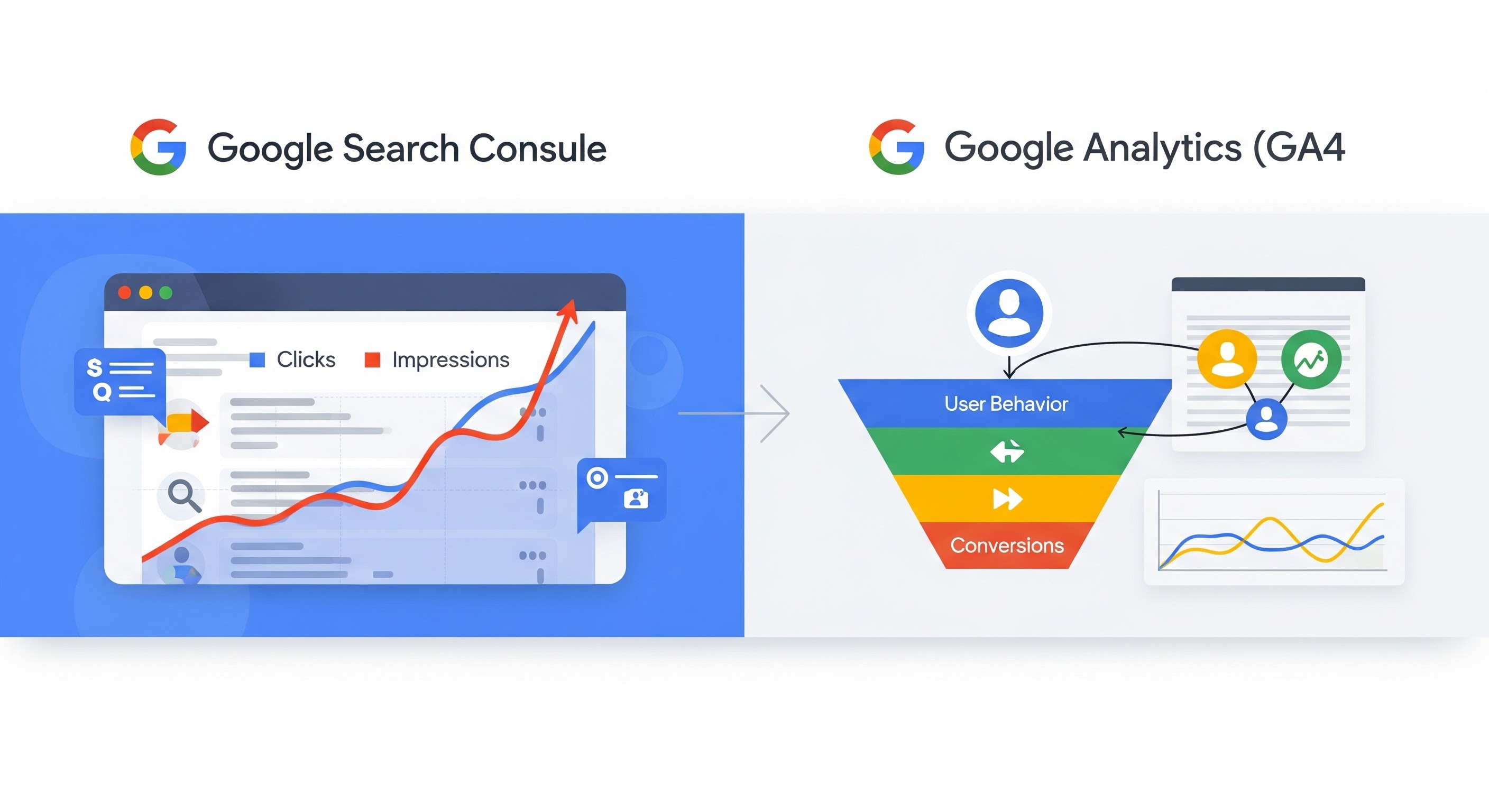
The confusion usually stems from the fact that both tools report “traffic-related” data, but they sit on opposite sides of the user journey:
- Google Search Console focuses on how users find your site in Google Search
- Google Analytics focuses on what users do after they arrive
In this guide, we’ll break down:
- The core differences between GSC and GA4
- Search data vs behavior data
- Clicks vs sessions
- Which Tool Is Better for Specific SEO Tasks (GSC vs GA)?
- When and how to use them together
- The limitations of each tool
By the end, you’ll understand not only what each tool does, but how combining them gives you a complete SEO and performance picture.
What Is Google Search Console?
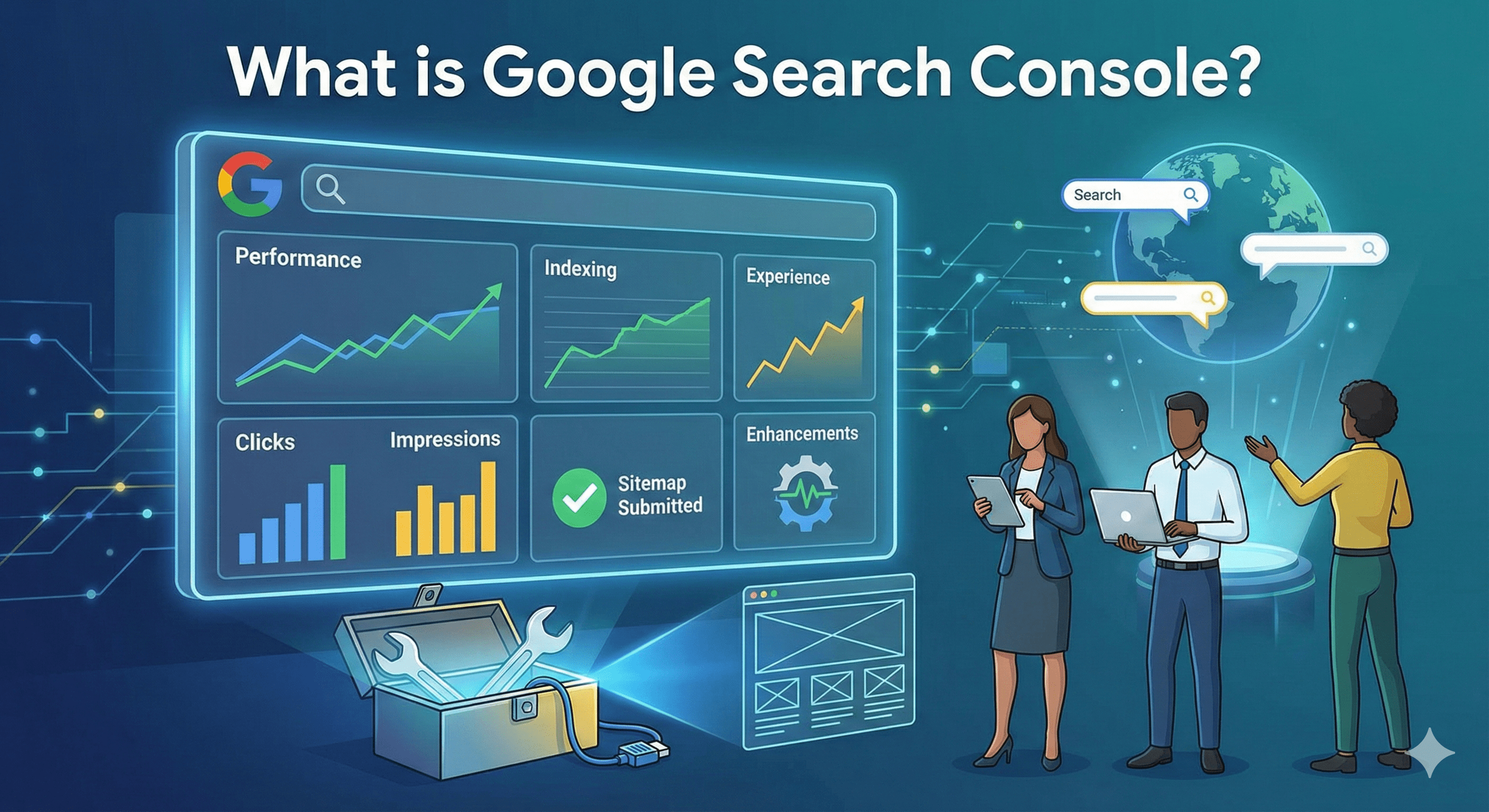
Google Search Console is a search performance and technical SEO tool.
It answers one primary question:
How does Google Search see and interact with your website?
GSC provides data directly from Google’s search systems. It tells you how your pages appear in search results, how often they’re shown, how often users click them, and whether Google can crawl and index them properly.
Core Focus of Google Search Console
- Search visibility
- Indexing and crawling
- Technical SEO health
- Search performance metrics
Key Data GSC Provides
- Queries your site ranks for
- Pages ranking in search
- Impressions, clicks, CTR, average position
- Indexing status and errors
- Core Web Vitals and page experience signals
- Manual actions and security issues
Importantly, GSC only tracks activity that happens in Google Search. It does not measure what users do on your site beyond the click.
What Is Google Analytics (GA4)?
Google Analytics, specifically GA4, is a user behavior and engagement analytics platform.
It answers a different primary question:
What do users do once they’re on my site?
GA4 tracks interactions using an event-based model, focusing on sessions, users, engagement, conversions, and behavioral flows across pages and devices.
Core Focus of Google Analytics
- User behavior
- Engagement and retention
- Traffic sources
- Conversions and revenue
Key Data GA4 Provides
- Sessions and users
- Engagement time and events
- Page views and screen views
- Conversion tracking
- Traffic channel performance (organic, paid, referral, social, etc.)
- Funnel analysis and user journeys
Unlike GSC, Google Analytics tracks all traffic sources, not just Google Search.
The Core Difference: Pre-Click vs Post-Click Data
The most important conceptual difference between Google Search Console and Google Analytics is where they sit in the user journey.
Google Search Console = Pre-Click (Search Visibility)
GSC focuses on what happens before a user visits your site:
- How often your pages appear in search (impressions)
- What queries trigger those impressions
- Where your pages rank
- How often users click your results
In other words, visibility and discoverability.
Google Analytics = Post-Click (On-Site Behavior)
GA focuses on what happens after the click:
- How users navigate your site
- Which pages they view
- How long they stay
- Whether they convert or engage
In other words, experience and performance.
A Simple Analogy
Think of SEO like a store:
- GSC tells you how many people see your store sign on the street and decide to walk in
- GA tells you what those people do once they’re inside the store
You can’t optimize one effectively without understanding the other.
Search Data vs Behavior Data
Search Data (Google Search Console)
Search data answers questions like:
- Which keywords am I ranking for?
- How visible is my site in Google?
- Why did impressions increase but clicks didn’t?
- Which pages are losing search visibility?
Key metrics:
- Impressions – How often your result appeared
- Clicks – How often users clicked
- CTR – Click-through rate
- Average Position – Ranking average
This data is unique to GSC and cannot be replicated accurately in GA.
Behavior Data (Google Analytics)
Behavior data answers questions like:
- Do users engage with my content?
- Which pages cause users to leave?
- How does organic traffic convert?
- Where do users drop off in funnels?
Key metrics:
- Sessions
- Engaged sessions
- Average engagement time
- Events and conversions
This data is user-centric, not search-centric.
Click Data vs Sessions: Why Numbers Don’t Match
One of the most common frustrations is:
“Why does GSC show 1,000 clicks, but GA shows only 800 sessions?”
This mismatch is normal and expected.
Why GSC Clicks ≠ GA Sessions
Google Search Console clicks
- Count clicks on Google Search results
- Include repeat clicks
- Are tied strictly to Google Search
Google Analytics sessions
- Start when GA tracking loads successfully
- Can be blocked by ad blockers or consent settings
- End after inactivity or at midnight
- Include traffic from many sources
Common Reasons for Differences
- Users block analytics scripts
- JavaScript fails to load
- Users bounce before GA fires
- Multiple clicks result in one session
- Cookie consent restrictions (especially in GA4)
Neither tool is “wrong” — they’re simply measuring different events.
Use Cases: When to Use Google Search Console
Google Search Console is the primary tool for SEO diagnostics and visibility analysis.
Best Use Cases for GSC
- Keyword research using real search data
- Diagnosing ranking drops
- Identifying pages with high impressions but low CTR
- Monitoring indexing issues
- Fixing crawl and coverage errors
- Evaluating Core Web Vitals
- Understanding Google’s view of your site
SEO Questions GSC Answers Best
- Why did my traffic drop?
- Which queries are losing impressions?
- Is Google indexing my pages?
- Are there technical issues affecting rankings?
If the question involves Google Search itself, GSC is the correct tool.
Use Cases: When to Use Google Analytics
Google Analytics is the primary tool for user behavior, engagement, and conversions.
Best Use Cases for GA4
- Measuring organic traffic quality
- Tracking conversions from SEO
- Analyzing engagement and retention
- Understanding user journeys
- Comparing SEO vs paid vs social traffic
- Optimizing content for engagement
- Providing detailed google analytics SEO insights on user behavior and ROI
SEO Questions GA Answers Best
- Do organic users convert?
- Which landing pages drive revenue?
- How engaged is search traffic?
- Where do users drop off?
If the question involves user behavior or business outcomes, GA is the correct tool.
Which Tool Is Better for SEO?
This is the wrong question.
A better question is:
Which part of SEO are you trying to understand?
GSC Is Better For:
- Rankings and visibility
- Keyword performance
- Technical SEO
- Indexing and crawlability
GA Is Better For:
- Measuring SEO ROI
- Conversion tracking
- Engagement analysis
- Content performance after traffic arrives
Modern SEO requires both.
Ranking without conversions is vanity.
Conversions without visibility are unsustainable.
Using Google Search Console and Google Analytics Together
The real power comes from combining GSC and GA4 data.
Why Combining Them Matters
Individually:
- GSC shows what people searched
- GA shows what people did
Together:
- You see which queries drive valuable users
- You identify high-ranking pages with poor engagement
- You find conversion-driving keywords
Practical Examples
Example 1: CTR Optimization
- GSC shows high impressions, low CTR
- GA shows strong engagement on that page
→ Optimize titles and meta descriptions
Example 2: Content Pruning
- GSC shows declining impressions
- GA shows low engagement and no conversions
→ Update or remove content
Example 3: SEO ROI Tracking
- GSC identifies top-performing queries
- GA tracks conversions from organic landing pages
→ Attribute revenue to SEO efforts
Using Looker Studio to Blend GSC and GA4 Data
Google’s recommended way to combine GSC and GA4 data is through Looker Studio (formerly Data Studio).
Benefits of Looker Studio Dashboards
- Unified SEO + analytics reporting
- Query-level visibility with engagement metrics
- Custom dashboards for stakeholders
- Visual trend analysis over time
Common Combined Metrics
- Queries → Landing pages → Conversions
- Impressions → CTR → Engagement time
- Rankings → Revenue impact
This is especially useful for:
- SEO reporting
- Client dashboards
- Executive summaries
Limitations of Google Search Console
Despite its importance, GSC has limitations.
Key GSC Limitations
- Data sampling and rounding
- Limited historical data (16 months)
- No user-level or session data
- Search-only (Google Search only)
- No conversion or revenue tracking
GSC tells you *what Google Search did*, not *what users did next*.
Limitations of Google Analytics (GA4)
GA4 also has important limitations.
Key GA4 Limitations
- No accurate keyword-level organic data
- Heavily affected by consent and blockers
- Requires proper configuration
- Can’t diagnose indexing or ranking issues
- Complex for beginners
GA shows behavior, but often lacks search intent context.
Final Verdict: GSC vs GA Is Not a Competition
Google Search Console and Google Analytics are complementary, not competing tools.
- GSC answers: Can users find me in Google?
- GA answers: What happens after they do?
If you rely on only one:
- You’ll miss visibility issues
- Or you’ll miss performance problems
Modern SEO success depends on understanding both discovery and experience.
Use Google Search Console to earn the click.
Use Google Analytics to maximize its value.
When combined, they provide the complete SEO and performance picture that neither can deliver alone.